


Gaggia Anima Standby Mode: Managing Power Settings and Heat Up Times
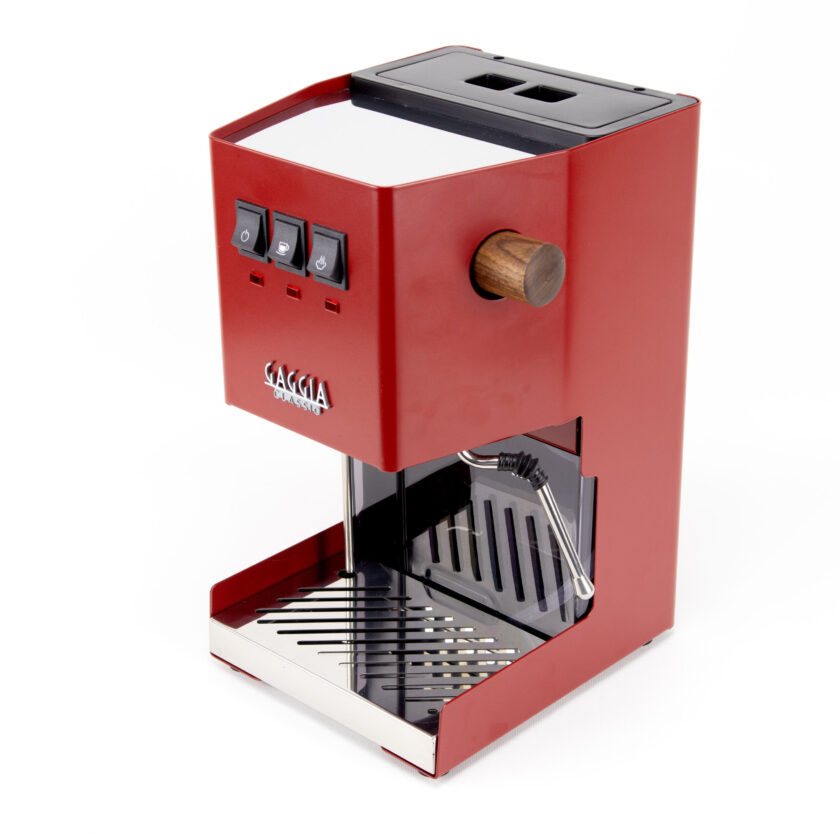
The Gaggia Anima series combines user-friendly operation with the capacity for quality espresso extraction. For the experienced home barista, mastering its features goes beyond dialing in the grind or programming shot volume. One of the most impactful yet often overlooked settings is the standby mode. This function dictates how long the machine remains at operating temperature before entering a low-power state. Understanding how to manage this feature is not merely about energy conservation; it directly influences workflow efficiency, machine longevity, and the thermal stability critical for consistent espresso. This article provides a technical guide to programming the Anima’s standby settings and analyzes its relationship with heat-up times, enabling you to optimize the machine for your specific routine.
Understanding the standby function
The Gaggia Anima’s standby mode is an automatic energy-saving feature mandated by European regulations. After a predetermined period of inactivity, the machine will automatically power down its primary heating elements, significantly reducing energy consumption. The default setting from the factory is typically 60 minutes. When the machine enters standby, the boiler cools down, and the unit is no longer ready to brew or steam. To resume operation, the user must press the power button, initiating a new heat-up cycle. This function is distinct from a complete power-off, as the machine’s main board remains in a low-power state, ready to receive user input.
Customizing the standby timer
Adjusting the standby timer allows you to tailor the machine’s behavior to your daily coffee ritual. For users who consume coffee frequently throughout the morning, a longer delay is practical. For those who only make one or two drinks at a time, a shorter setting may be preferable. The Anima’s programming menu provides access to this setting.
To modify the timer, follow these steps:
- With the machine on, press and hold the Aroma Strength/Menu button for approximately six seconds to enter the programming menu.
- Navigate through the menu options using the dedicated buttons. The display will show various settings such as temperature, water hardness, and pre-infusion.
- Locate the “Standby” or equivalent power-saving option.
- Select your desired time interval. The machine typically allows for adjustments in increments, such as 15, 30, 60, or 180 minutes.
- Once you have selected the desired duration, confirm the setting. The machine will save your preference and exit the menu.
This simple adjustment ensures the machine aligns with your usage pattern, preventing it from shutting down prematurely while you prepare for a second shot.
The relationship between standby and heat-up time
The primary consequence of the standby mode is the subsequent heat-up time required to bring the machine back to brewing temperature. A full heat-up cycle from a cold start involves heating the boiler, the internal plumbing, the brew group, and the portafilter (if attached). This process ensures all components are thermally stable, a key factor in shot consistency.
When the Anima wakes from standby mode, it initiates a similar, albeit often shorter, heating cycle. The duration depends on how long the machine has been in standby. If only a few minutes have passed, the residual heat within the system means the target temperature is reached quickly. However, after an extended period, the machine will be close to ambient temperature, and the heat-up cycle will be nearly identical to a cold start. Experienced baristas understand that true thermal stability requires more than just a ready light; it requires all contact components to be thoroughly heated to avoid temperature shock during extraction.
Workflow integration and best practices
Optimizing the standby setting is about finding a balance between energy efficiency and practical readiness. Consider your daily routine to determine the most effective setting.
For morning routines: If you and others in your household make coffee over a one- to two-hour period, setting the standby timer to 120 or 180 minutes ensures the machine remains active throughout this peak usage time. This avoids the need for multiple heat-up cycles.
For single-use occasions: If you typically make one coffee in the morning and another in the afternoon, a shorter standby time of 30 or 60 minutes is more efficient. This prevents the machine from consuming unnecessary power for hours when it is not in use.
Regardless of the setting, it is good practice to run a blank shot through the brew group after the machine indicates it is ready. This helps to purge any cooler water from the lines and further stabilize the temperature of the entire system, leading to a more predictable and consistent extraction.
Conclusion
The standby mode on the Gaggia Anima is more than just a power-saving feature; it is a crucial setting that directly impacts a barista’s workflow and the quality of the espresso produced. By moving beyond the default factory settings, users can customize the machine’s behavior to fit their specific needs, ensuring it is thermally prepared when required without wasting energy. Understanding the interplay between the standby timer and the machine’s heat-up cycle allows for greater control over thermal management, which is fundamental to achieving repeatable, high-quality results. Fine-tuning these small details is a hallmark of the dedicated home barista. For those looking to further enhance their espresso preparation, a variety of precision tools are available from retailers like papelespresso.com.