

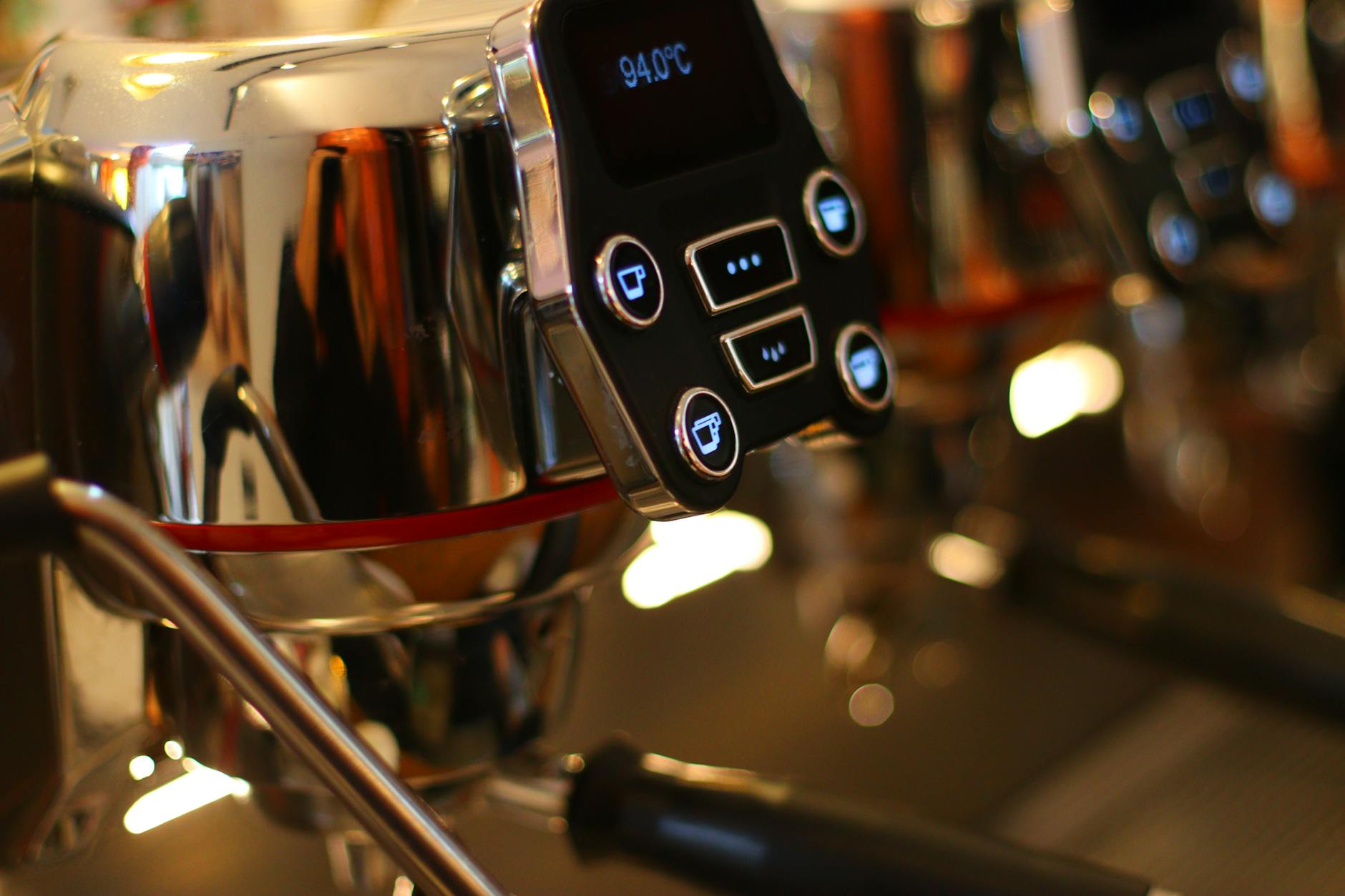
How to reset your Gaggia Velasca to factory settings properly
The Gaggia Velasca is a fantastic bean-to-cup coffee machine known for its reliability and the quality of espresso it produces. However, like any sophisticated electronic device, it can sometimes encounter software glitches or performance issues that a simple on-and-off cycle won’t fix. You might also want to restore it to its original state before selling it or after acquiring it second-hand. In these situations, performing a factory reset is often the most effective solution. This process reverts all customized settings back to their default values, essentially giving your machine a fresh start. This comprehensive guide will walk you through exactly how to reset your Gaggia Velasca properly, ensuring a safe and successful outcome for your beloved coffee maker.
When to consider a factory reset
A factory reset is a powerful troubleshooting step, but it shouldn’t be your first resort for every minor issue. It’s the go-to solution for specific problems where user settings or software conflicts might be the culprit. One of the primary reasons to perform a reset is to resolve persistent and unexplainable error codes that don’t clear after regular maintenance like descaling or cleaning the brew group. If your machine is behaving erratically, such as producing inconsistent coffee volumes or failing to respond to button presses correctly, a reset can often clear the internal memory and fix the glitch. Furthermore, if you plan on selling your Gaggia Velasca, resetting it ensures the new owner starts with a clean slate, free from your personalized drink settings and water hardness configurations.
Preparing for the reset: a simple checklist
Before you jump into the reset process, a few moments of preparation can save you from future frustration. It is crucial to understand that a factory reset is irreversible. All of your personalized settings will be permanently erased. To make the post-reset setup easier, take a moment to note down your favorite configurations. This is a great time to grab a pen and paper or use your phone’s notepad.
- Note your drink settings: Write down your preferred coffee strength (aroma), temperature, and volume for espresso and espresso lungo.
- Check water hardness: Remember the water hardness level you programmed into the machine. You will need to set this again to ensure the descaling alerts are accurate.
- Ensure basic readiness: Make sure the water tank is at least half full and the bean hopper has beans in it. The machine may run a brief priming or rinsing cycle after it restarts.
- Power down: Turn the machine completely off using the main power switch at the back or by unplugging it for a moment before you begin the reset procedure.
Following this checklist ensures that once the reset is complete, you can quickly and easily get your Gaggia Velasca back to brewing coffee exactly the way you like it.
Your step-by-step guide to the Gaggia Velasca reset
The process for resetting the Gaggia Velasca involves accessing a hidden service menu. While this might sound intimidating, it’s a straightforward procedure if you follow the steps carefully. The button combination can vary slightly between models like the Velasca and the Velasca Prestige, but the following method is the most common.
- Start with the machine off. Make sure the machine is completely powered down from the main switch, not just in standby mode.
- Press and hold the buttons. Locate the Espresso and the Espresso Lungo buttons. Press and hold both of these buttons down at the same time.
- Turn the machine on. While still holding the two buttons, turn the main power switch on. Continue to hold the buttons until the screen lights up and displays a service or test menu.
- Navigate the menu. Once in the service menu, you can release the buttons. Use the navigation buttons (often the aroma strength or menu buttons) to scroll through the options.
- Find the reset option. Look for an option that says “Reset,” “Factory Defaults,” or something similar. The exact wording can vary.
- Confirm the reset. Select the reset option. The machine will likely ask for confirmation. Select “Yes” or “OK” to proceed.
- Wait for the restart. The machine will now perform the reset and will likely restart automatically. Do not turn it off during this process. Once it reboots, it will be restored to its original factory settings.
After the reset: reconfiguring your machine
With the factory reset complete, your Gaggia Velasca is now a blank canvas, just like it was when you first took it out of the box. The first thing it will likely ask you to do is select a language. After that, you will need to re-enter all your personal preferences and operational settings. This is where the notes you took earlier become invaluable. You will need to run through the initial setup process, which includes priming the water circuit and setting the water hardness level. Then, you can reprogram your preferred drink strength, temperature, and volume.
Here is a quick overview of what gets reset and what you’ll need to reconfigure:
| Setting | Status after reset |
|---|---|
| Language | Reverted to default (usually English) |
| Coffee strength (aroma) | Reverted to medium/default setting |
| Coffee temperature | Reverted to medium/default setting |
| Coffee volume (mL/oz) | Reverted to standard pre-set volumes |
| Water hardness | Reverted to the highest level |
| Auto standby timer | Reverted to the default time |
After re-entering your settings, it’s a good idea to brew a couple of espressos to ensure everything is working as expected and to allow the machine’s adaptive system to adjust to your coffee beans again.
In conclusion, resetting your Gaggia Velasca to factory settings is a simple yet highly effective way to resolve stubborn software issues, clear out old error codes, or prepare the machine for a new owner. While the process erases all your custom settings, it provides a clean slate for optimal performance. By following the preparatory steps of noting down your preferences, you can make the post-reset configuration quick and painless. The step-by-step guide to accessing the service menu demystifies the procedure, making it accessible to any owner. Remember, a factory reset is a powerful tool in your maintenance arsenal, ensuring your Gaggia Velasca can continue to produce delicious, high-quality coffee for years to come.


 No products in the cart.