

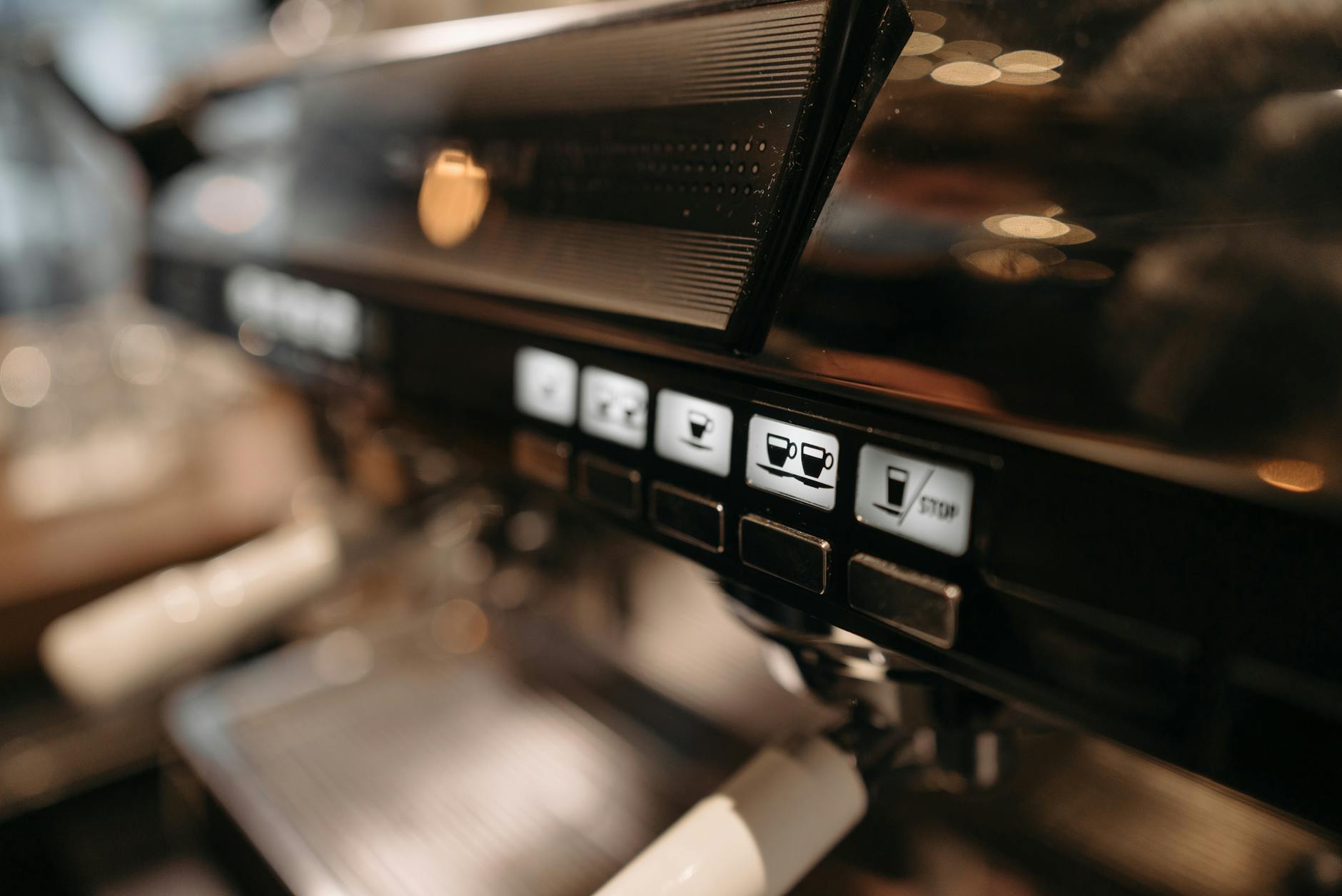
How to reset and recalibrate your Gaggia Classic PID for peak performance
The Gaggia Classic is a legendary machine in the world of home espresso, celebrated for its robust build and potential for producing café-quality shots. One of the most popular and transformative upgrades for this machine is the installation of a PID (Proportional-Integral-Derivative) controller. This small device replaces the machine’s inaccurate stock thermostat, offering precise temperature control. However, like any precision instrument, a PID can drift over time or may not be perfectly tuned for your specific environment. If your espresso shots have lost their consistency or your machine’s temperature seems erratic, a reset and recalibration might be exactly what you need. This guide will walk you through understanding, diagnosing, and recalibrating your Gaggia Classic’s PID to restore its peak performance.
Understanding your Gaggia Classic PID
Before diving into the recalibration process, it’s helpful to understand what your PID is actually doing. Think of it as a highly intelligent cruise control system for your machine’s boiler temperature. The standard thermostat is a simple on/off switch, leading to wide temperature swings of 10-15°C. A PID, on the other hand, uses a sophisticated algorithm to learn the thermal behavior of your boiler. It cleverly pulses the heating elements to hold the temperature incredibly stable, often within a fraction of a degree of your target.
This algorithm relies on three core values:
- Proportional (P): This determines how strongly the PID reacts to the difference between the current temperature and your set temperature.
- Integral (I): This looks at past errors and adjusts to eliminate them over time, ensuring the machine doesn’t settle just below or above your target.
- Derivative (D): This anticipates future temperature changes, preventing the system from overshooting the target temperature.
Calibration, often called “autotuning,” is the process where the PID runs a test cycle to determine the optimal P, I, and D values for your specific machine. An improper tune can lead to temperature instability, defeating the very purpose of the upgrade.
When should you reset or recalibrate?
Your PID isn’t something you need to recalibrate every week. However, certain signs will tell you when it’s time to run the tuning process again. If you’re experiencing any of the following issues, a recalibration is your most likely solution.
Look out for these symptoms:
- Inconsistent shot quality: One shot is sour (under-extracted/too cold) and the next is bitter (over-extracted/too hot), even though your preparation is consistent and the PID displays the same temperature.
- Significant temperature overshooting: When the machine is heating, you notice the temperature on the display climb far past your set value before slowly coming back down. For example, it might shoot to 98°C when your target is 93°C.
- Slow temperature stabilization: The machine takes an unusually long time to lock in on the target temperature, hovering just above or below it for several minutes.
- After hardware changes: If you’ve replaced the boiler, heating elements, or made any other significant changes to the machine’s thermal system, you must recalibrate.
- After a major environmental change: Moving your machine from a warm kitchen to a cold basement can affect its thermal dynamics enough to warrant a fresh tune.
The recalibration process: Autotuning your PID
The easiest and most effective way to recalibrate is by using the PID’s built-in autotune function. This automated process takes the guesswork out of finding the correct P, I, and D values. While the exact button presses can vary between PID kits (like those from Auber Instruments or Shades of Coffee), the general principle is universal. Always consult your specific PID’s manual first, but the steps below cover the typical procedure.
Step-by-step guide to autotuning:
- Prepare the machine: Fill the water reservoir and lock in your empty portafilter. This ensures the machine is tuned for a state that mimics actual brewing conditions, with the thermal mass of the portafilter and group head included.
- Heat it up: Turn on your Gaggia Classic and let it come up to your desired brew temperature (e.g., 93°C or 200°F). Allow it to sit for at least 15 minutes to ensure all components are fully heated and stable.
- Access the programming menu: This usually involves pressing and holding one of the buttons (often the ‘SET’ button or an arrow key) for a few seconds until the display changes to show a programming parameter.
- Find and activate autotune: Cycle through the menu options using the arrow keys until you find a setting labeled “AT,” “Tune,” or something similar. To activate it, you may need to press the ‘SET’ button and change a value from ‘0’ to ‘1’ or ‘Off’ to ‘On’. Once activated, the display will often start flashing.
- Let it run: The autotune process has now begun. You will see the temperature on the display deliberately rise above and fall below your set point. This is normal. Do not interrupt the process. The PID is “learning” how the boiler heats and cools. This cycle can take anywhere from 10 to 30 minutes to complete.
- Completion: Once finished, the PID will automatically stop the autotune function, save the newly calculated P, I, and D values, and return to its normal operating mode. The flashing light or display will turn solid. Your PID is now recalibrated.
Fine-tuning and key parameters explained
Autotuning will get you 99% of the way to perfect stability. However, for those who want to dig deeper, understanding the key parameters can help you make small manual adjustments. One of the most useful adjustments you can make is to the temperature offset. The PID sensor measures the temperature at the boiler, but what matters is the temperature of the water at the group head, which is typically a few degrees cooler.
The offset parameter (often labeled “oF,” “oS,” or “SC”) allows you to correct for this difference. For example, if you measure the water at the group head and find it’s consistently 2 degrees cooler than what the PID displays, you can set a -2 degree offset. This way, when your PID reads 93°C, you know the water hitting your coffee puck is actually 93°C. For the most part, though, the autotuned values for P, I, and D should be left alone unless you are an advanced user who understands the intricate balance between them.
| Parameter | Common name | Primary function |
|---|---|---|
| Sv | Set value | Your target brew or steam temperature. |
| P | Proportional | Controls the initial power of the heating element response. |
| I | Integral | Eliminates small, steady temperature errors over time. |
| D | Derivative | Prevents temperature overshooting by anticipating changes. |
| AT | Autotune | The function that automatically calculates the best P, I, and D values. |
| oS / oF | Offset | Corrects the display to match the actual temperature at the group head. |
Conclusion
Upgrading your Gaggia Classic with a PID is a fantastic step toward achieving espresso perfection, but its benefits are only fully realized when it is properly calibrated. Drifting performance is not a sign of a faulty unit but rather a call for a simple tune-up. By learning to recognize the symptoms of a poorly tuned PID—such as inconsistent shot quality and temperature overshooting—you can take proactive steps. The autotuning process is a straightforward, set-it-and-forget-it procedure that realigns the controller with your machine’s unique thermal properties. Taking the 20 minutes to run this cycle can make all the difference, transforming your espresso from good to truly exceptional and consistent, shot after shot.

 No products in the cart.