

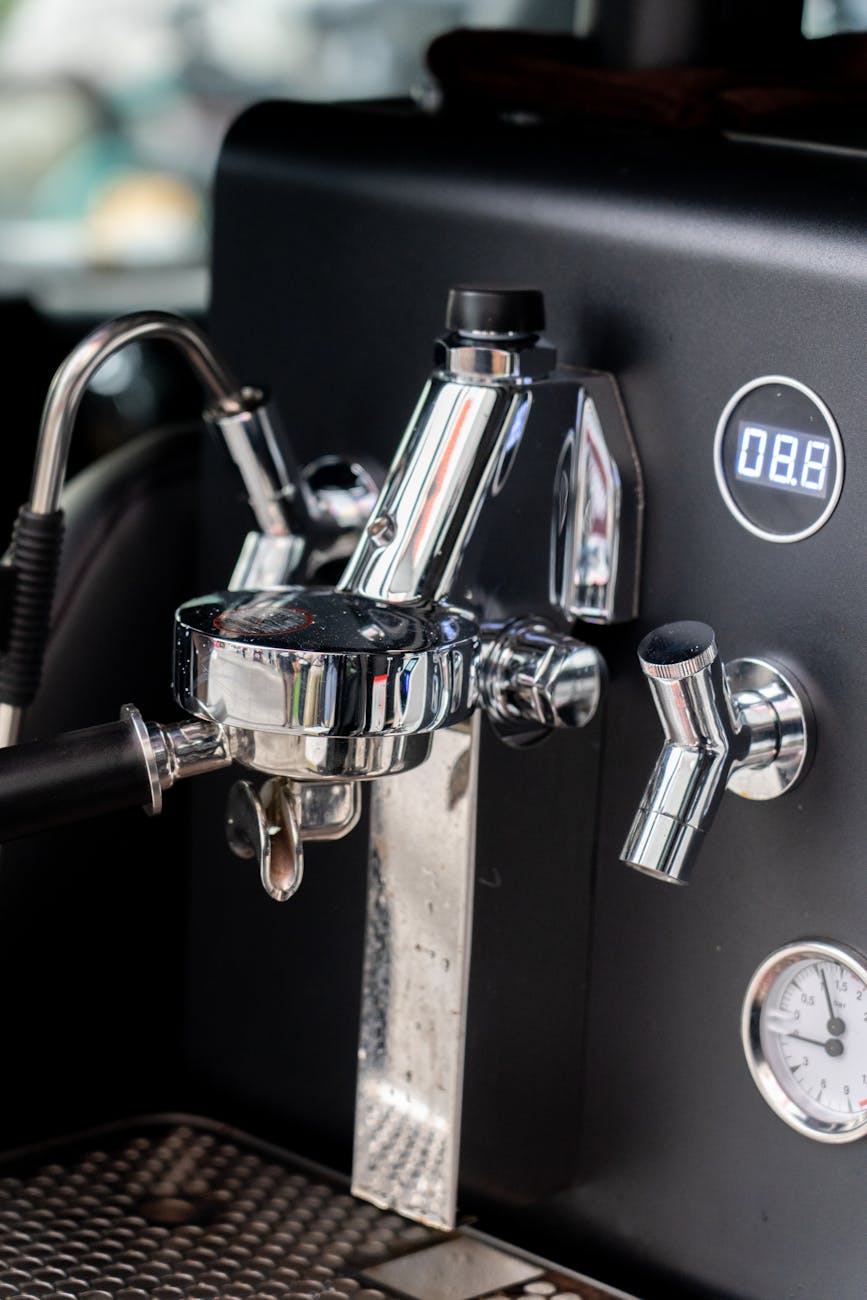
How to customize and save drink volumes on the Gaggia Anima
For the experienced home barista, moving from a manual or semi-automatic setup to a super-automatic machine like the Gaggia Anima can present a new set of challenges and opportunities. While the appeal of one-touch brewing is clear, the default factory settings rarely align with the precise requirements for optimal espresso extraction. Customizing and saving the drink volume is not merely a convenience, it is a fundamental step in controlling the brew ratio and ensuring shot-to-shot consistency. This process allows you to transform the machine from a simple coffee maker into a reliable tool that produces espresso tailored to your specific beans and taste profile, bridging the gap between automation and craft.
Understanding volumetric programming
The Gaggia Anima, like many modern espresso machines, utilizes volumetric programming to determine shot length. Instead of relying on a timer, the machine uses a flowmeter to measure the amount of water pushed through the coffee puck. When you program a drink, you are essentially teaching the machine what volume of water constitutes a single espresso or an espresso lungo for your specific needs. This saved setting allows for repeatable results with a single button press.
It is crucial to understand that this measurement occurs before the water interacts with the ground coffee. Factors such as grind size, dose, and tamp pressure (which the Anima automates) can affect the flow rate. Therefore, a finer grind may result in a slightly lower final beverage weight in the cup compared to a coarser grind, even if the programmed water volume remains identical. Constant calibration is key.
A step-by-step guide to saving custom volumes
Programming the Gaggia Anima is a straightforward process that involves a simple “press-and-hold” method. You will need a scale to measure the output in your cup to achieve a precise brew ratio. This guide covers both the espresso and espresso lungo buttons.
- Prepare the machine: Turn on your Gaggia Anima and allow it to heat up fully and complete its rinse cycle. Ensure the water tank is full and the bean hopper has sufficient coffee.
- Place your cup and scale: Position your espresso cup on the drip tray, placed on top of a coffee scale. Tare the scale to zero.
- Initiate programming mode: Press and hold the button you wish to program (either ESPRESSO or ESPRESSO LUNGO). After a few seconds, the button’s icon will begin to flash, indicating that the machine is in programming mode.
- Brew and monitor: The machine will begin to grind the beans and brew the espresso. Watch the weight on your scale closely.
- Stop and save: Once the desired beverage weight (e.g., 36 grams for a 1:2 ratio from an 18-gram dose) is reached in the cup, press the same button again to stop the flow. The machine will beep or flash to confirm that the new volume has been saved.
The machine will now dispense this exact volume of water each time you press that specific button. You can repeat this process for the other button to save a different volume, allowing you to have, for instance, a standard espresso and a larger volume for different recipes.
Dialing in for optimal extraction
Saving a drink volume is only part of the equation. The true craft lies in determining the correct volume for your chosen coffee. This process, known as dialing in, involves adjusting grind size and brew volume to achieve a balanced extraction. A common starting point for modern espresso is a 1:2 brew ratio, meaning for every gram of coffee grounds, you aim for two grams of liquid espresso in the cup.
Start by programming your machine to deliver a volume that approximates this ratio. Taste the result. If the shot is sour and thin, the extraction is too low (underextracted). You can increase the yield by programming a slightly larger volume. If the shot is bitter, harsh, and dry, it is likely overextracted, and you should program a smaller volume. Remember that any adjustment to the machine’s grind setting will necessitate reprogramming your volumetric settings, as the change in puck resistance will alter the flow rate and final output.
Advanced considerations for consistency
While the Gaggia Anima automates many variables, the discerning barista can still work to improve consistency. One key area is monitoring the dose. The Anima uses a dosing system tied to its aroma strength setting (Optiaroma), which can be adjusted. While you cannot control the dose with the same gram-level precision as a separate grinder, understanding which setting delivers a dose closest to your target is beneficial.
Furthermore, regular maintenance is non-negotiable for volumetric accuracy. A clean brew unit and a properly descaled system ensure that water flows without obstruction, preventing inconsistencies in the flowmeter’s readings. Blockages or scale buildup can lead to inaccurate volumes and poor-tasting espresso, undoing all the work you put into programming the perfect shot.
In conclusion, mastering the volumetric programming on your Gaggia Anima is essential for elevating its performance from a convenient appliance to a precise brewing instrument. By moving beyond factory presets and meticulously dialing in the shot volume based on taste and weight, you gain direct control over the most critical variable in espresso extraction. This attention to detail, combined with a commitment to regular machine maintenance, ensures that you can achieve consistently balanced and flavorful espresso. For those looking to further refine their process, a range of precision tools and accessories are available at papelespresso.com, supporting the quest for the perfect shot.
 No products in the cart.