

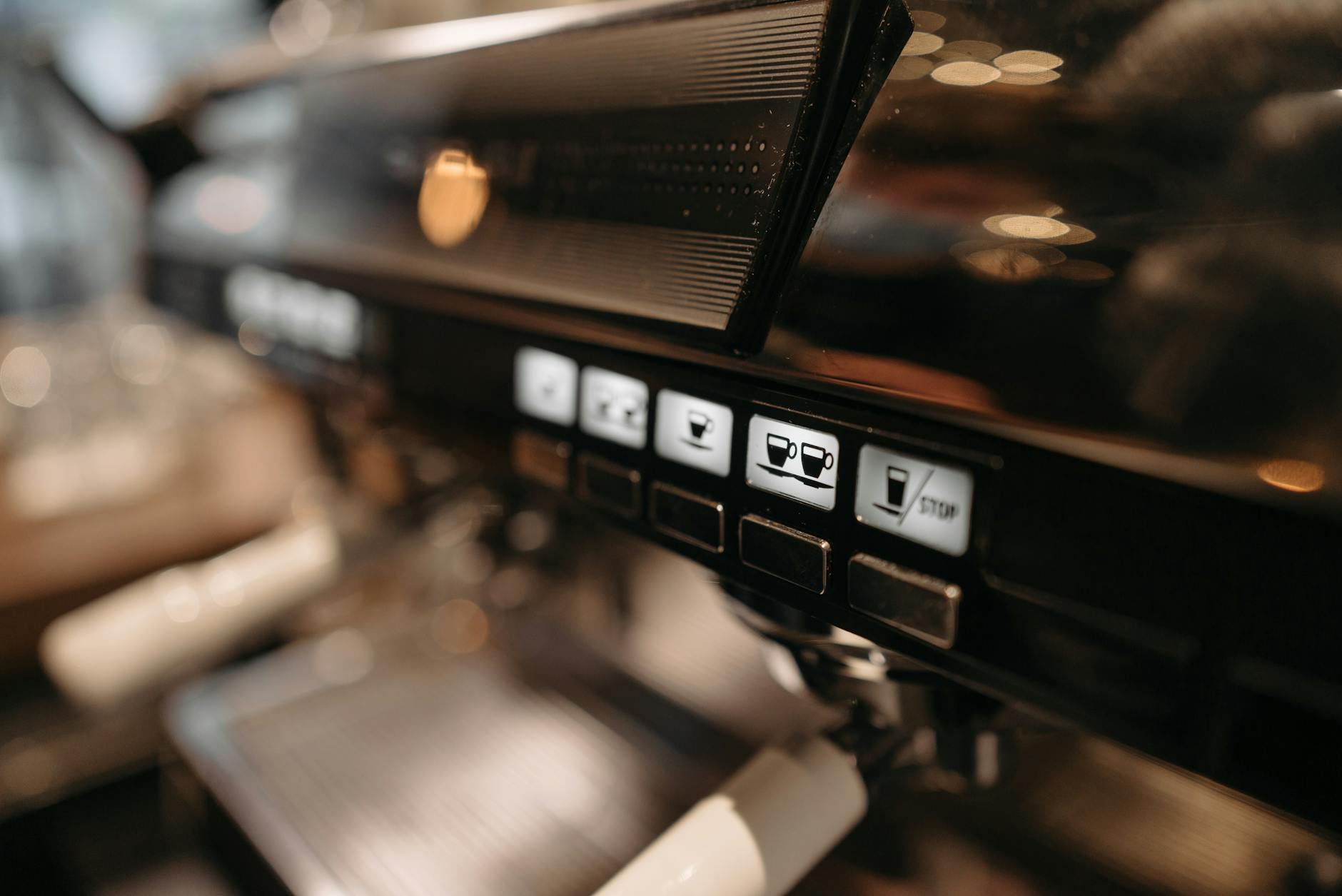
The Profitec Go is a standout single-boiler espresso machine, celebrated for its rapid heat-up time, vibrant color options, and precise temperature control, thanks to its integrated PID controller. This PID is the machine’s brain, not only maintaining brew and steam temperatures but also managing its power-saving features. A key feature governed by the PID is the Eco Mode, a setting that automatically powers down the machine after a period of inactivity. While designed to conserve energy and comply with regulations, the default setting might not suit every coffee lover’s routine. This guide will walk you through understanding, accessing, and adjusting the Profitec Go’s Eco Mode and other power settings, empowering you to tailor the machine’s performance perfectly to your lifestyle.
Understanding the purpose of Eco Mode
Before diving into the settings, it’s helpful to understand why the Eco Mode exists. Primarily, it’s an energy-saving feature designed to reduce passive electricity consumption. Modern appliances, especially in regions like the European Union, are often required to include such automatic standby or shut-off functions. The Profitec Go’s Eco Mode is programmed by default to turn the machine off after 30 minutes of inactivity. This is great for someone who makes a single espresso in the morning and then leaves for the day. However, for users who enjoy multiple coffees over a couple of hours or who are entertaining guests, this automatic shutdown can be an inconvenience, forcing a wait for the machine to heat up again. Fortunately, Profitec gives you full control to change this behavior via the advanced settings in the PID.
A step-by-step guide to accessing the PID menu
The PID controller is your gateway to customizing the machine’s power settings. Accessing its programming menu is straightforward, but the process must be followed precisely. If you simply turn the machine on, you will only be able to adjust the temperature. To get to the deeper settings like Eco Mode, you need to enter the programming menu.
Here is the exact sequence to follow:
- Step 1: Start with the Profitec Go completely turned off. The main power switch on the front should be in the ‘off’ position.
- Step 2: Locate the two arrow buttons, ‘+’ and ‘-‘, on the PID display. Press and hold both of these buttons down at the same time.
- Step 3: While continuing to hold both buttons, turn on the main power switch.
- Step 4: Keep the buttons held for a few seconds until the display shows ‘T1’. This confirms you have successfully entered the programming menu. You can now release the buttons.
Once you see ‘T1’ on the screen, you are ready to navigate through the different parameters and make adjustments. This simple key combination unlocks the full potential of your machine’s customization options.
Adjusting the Eco Mode and other settings
Now that you are in the programming menu, you can easily find and change the Eco Mode timer. Use the ‘+’ and ‘-‘ buttons to cycle through the available parameters. You will see settings like ‘T1’ (brew temperature), ‘T2’ (steam temperature), and the one we are looking for, ‘ECO’.
To change the Eco Mode setting:
- Navigate to the ‘ECO’ parameter using the arrow buttons.
- Briefly press both the ‘+’ and ‘-‘ buttons together to select it. The display will now show the current value (e.g., ’30’ for 30 minutes).
- Use the ‘+’ or ‘-‘ buttons to change this value. You can increase the time in 30-minute increments or cycle all the way until you see ‘OFF’. Setting it to ‘OFF’ will completely disable the automatic shutdown feature.
- Once you have selected your desired value, press both buttons together again to save the change. The display will flash briefly to confirm and then return to the main parameter menu.
Choosing the right setting depends entirely on your usage. If you want maximum convenience for back-to-back drinks, turning the Eco Mode ‘OFF’ is the best choice. If you prefer to save energy and only make one or two drinks at a time, keeping it at 30 or 60 minutes is ideal.
Summary of key PID parameters
The Eco Mode is just one of several settings you can adjust. While not all are directly related to power saving, they all contribute to how the machine uses energy and performs. Understanding them helps you get the most out of your Profitec Go. The table below provides a quick overview of the most relevant parameters you can access.
| Parameter | Description | Common Default | Adjustment Range | Recommendation |
|---|---|---|---|---|
| T1 | Sets the target brew water temperature. | 93°C (199°F) | Typically 80-100°C | Adjust based on your coffee beans. Lighter roasts prefer higher temps, darker roasts prefer lower. |
| T2 | Sets the target steam boiler temperature. | 125°C (257°F) | Typically 110-140°C | Increase for more powerful steam, decrease for more gentle steaming. Higher temps use more energy. |
| ECO | The auto-off timer in minutes. | 30 | 30-minute increments or OFF | Set to ‘OFF’ for entertaining or frequent use. Use ’30’ or ’60’ for daily energy savings. |
| °C / °F | Switches the temperature display unit. | °C | °C or °F | Set to your personal preference. |
By mastering these settings, you transition from a default user to a true home barista, making the machine work for your specific needs and preferences.
In conclusion, the Profitec Go offers an impressive level of customization for a machine in its class. Its PID controller is the key to unlocking this potential, allowing you to move beyond factory presets. We have walked through the simple process of entering the advanced programming menu by holding the two arrow buttons while powering on the machine. From there, you can easily navigate to the Eco Mode setting to adjust the auto-off timer or disable it completely, ensuring your machine is always ready when you are. This small adjustment can significantly improve your daily workflow, especially if you enjoy several coffees throughout the morning. Ultimately, taking a few moments to configure these settings allows you to personalize your Profitec Go, striking the perfect balance between energy efficiency and on-demand convenience.
 No products in the cart.