

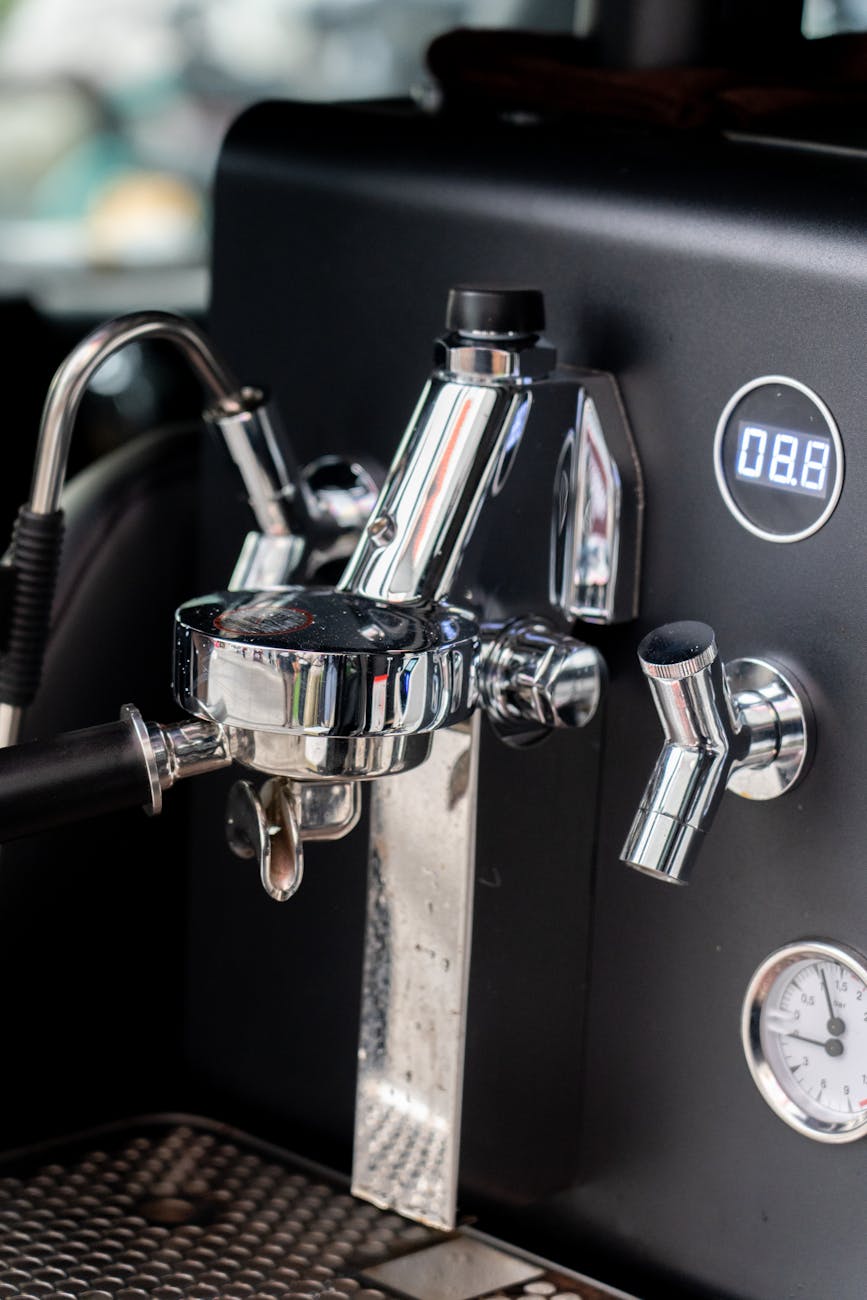
Understanding temperature surfing on the Gaggia Classic Pro
The Gaggia Classic Pro is a capable single-boiler espresso machine, but its broad temperature deadband presents a challenge for achieving consistent extractions. Temperature surfing is a manual technique used to influence the boiler’s heating cycle, allowing the user to initiate brewing at a more predictable and appropriate temperature. For the home barista dedicated to manual espresso, mastering this skill moves shot quality from a game of chance to an act of intention. This process is not about achieving absolute temperature stability, which is impossible on this machine without modification, but rather about narrowing the variable range to produce repeatable, high-quality results for different roast profiles.
The Gaggia’s heating cycle explained
The Gaggia Classic Pro’s boiler is controlled by a simple bimetallic thermostat. It does not maintain a precise temperature; instead, it operates within a range. The heating element engages when the boiler temperature drops to a certain low point and disengages when it reaches a high point. This creates a significant temperature swing, often around 15-20°C (27-36°F). This range is too wide for consistent espresso, where a few degrees can drastically alter the flavor profile of a shot.
The “ready” light on the front of the machine indicates when the thermostat is open (heating element off), not that the water is at an ideal brew temperature. Relying solely on this light will lead to unpredictable results. Understanding that the light signals the end of a heating cycle is the first step toward controlling the brew variable. Temperature surfing is the act of manually forcing the heating cycle to begin or end to hit a more specific temperature within that broad range.
How to temperature surf for brewing
Temperature surfing involves a sequence of timed actions to either raise or lower the boiler’s starting temperature. The goal is to start your extraction at the same point in the heating cycle every time.
A common and reliable method involves initiating a heating cycle and pulling the shot as the temperature rises to your target. Here is a typical workflow:
- Turn on the machine and allow it to fully warm up for at least 15-20 minutes with the portafilter locked in.
- Once warm, purge a few ounces of water through the group head until the “ready” light turns off. This action forces the thermostat to engage the heating element.
- This is your cue. Immediately prepare your puck. Once the coffee is tamped and the portafilter is ready, wait for the “ready” light to turn back on.
- The moment the light comes on, the boiler is at its hottest point. This is often too hot for brewing. Start a timer and purge a specific amount of water (e.g., 2-3 ounces) to cool the boiler slightly.
- Lock in your portafilter and start your shot. By repeating the same timed purge after the heating cycle completes, you can achieve a consistent starting temperature for your extraction.
The exact timing of your purge will depend on your target temperature for a given coffee roast. Darker roasts benefit from lower temperatures, requiring a longer or larger flush, while lighter roasts may need higher temperatures, meaning a shorter flush or pulling the shot sooner after the light comes on.
Reading the signs of temperature
Without a PID controller, your primary feedback for brew temperature comes from the espresso itself. The taste, aroma, and visual cues of the extraction will tell you if your temperature surfing is effective. Learning to interpret these signs is critical for making adjustments.
If your shots are consistently sour, thin, and under-extracted, your brew temperature is likely too low. The water lacks the thermal energy to properly dissolve the coffee solids. Conversely, if your shots are bitter, ashy, and over-extracted, with little sweetness or complexity, your temperature is probably too high. You can often see this during the extraction; very high temperatures can cause the coffee to exit the portafilter spouts erratically and with excessive blonding early on.
To diagnose temperature issues effectively, it is essential to keep other variables constant. Using a consistent dose and grind size allows you to isolate temperature as the primary factor influencing shot quality. Tools for consistent puck preparation, such as a distribution tool, can help eliminate channeling as a variable, ensuring your feedback is purely related to temperature and extraction.
| Problem | Likely Temperature Issue | Suggested Adjustment |
|---|---|---|
| Sour, thin body, weak aroma | Too low | Reduce the duration of the cooling flush or pull the shot sooner after the heating cycle ends. |
| Bitter, ashy, no sweetness | Too high | Increase the duration or volume of the cooling flush before locking in the portafilter. |
| Balanced, sweet, complex | Correct | Replicate the exact timing and flush volume for subsequent shots. |
Conclusion
Temperature surfing on the Gaggia Classic Pro is a hands-on technique that bridges the gap between the machine’s limitations and the user’s pursuit of quality. It demands attention and consistency but rewards the barista with a level of control that transforms the espresso experience. By understanding the machine’s heating cycle and interpreting the feedback from each shot, you can move beyond guesswork and begin to intentionally steer your extraction toward a desired flavor profile. While it lacks the precision of a PID, this manual method is a valuable skill, turning a simple machine into a tool for crafting truly excellent espresso. For those looking to refine their technique, consistent preparation is key, and various tools to aid in this process are available.
 No products in the cart.